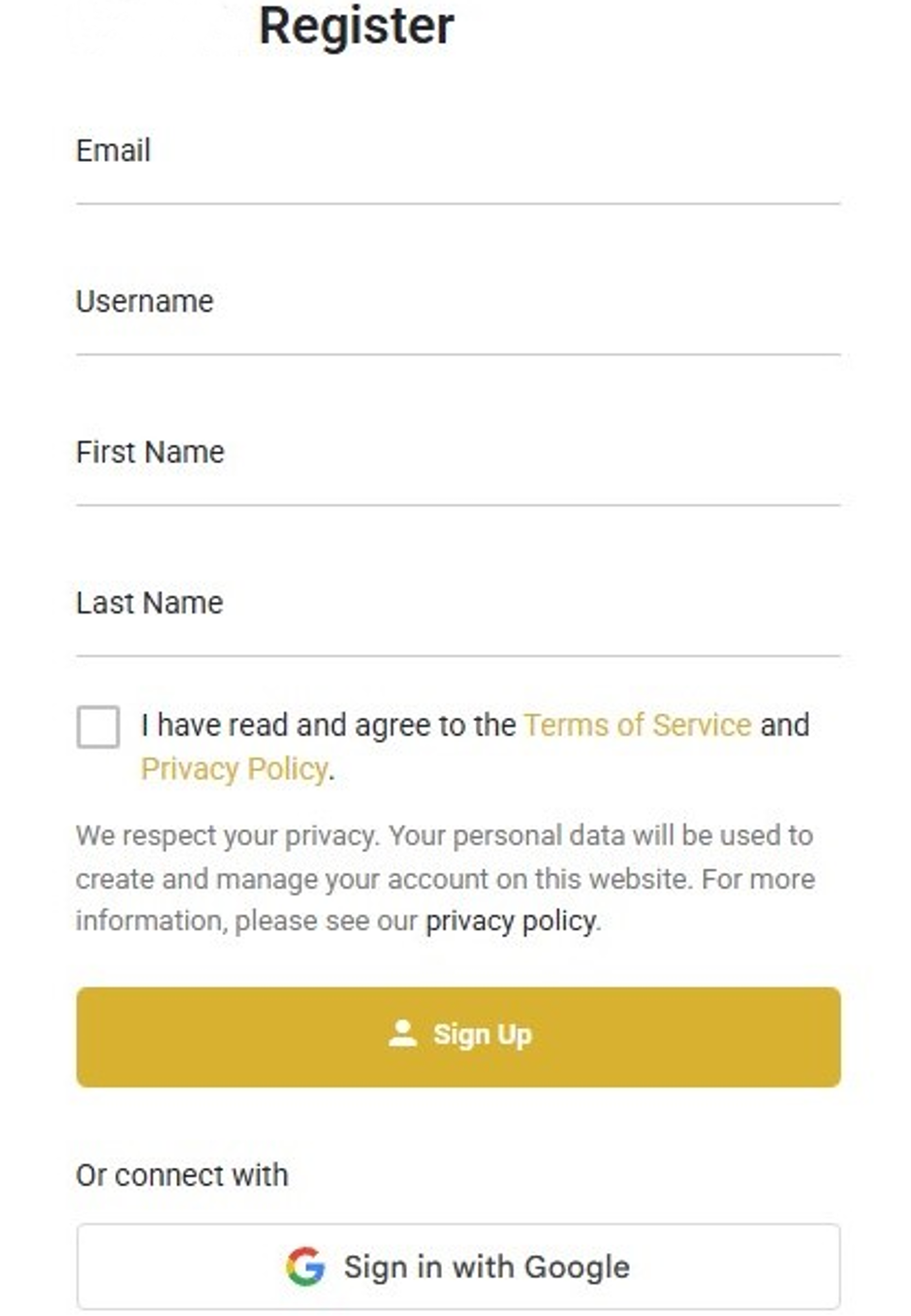
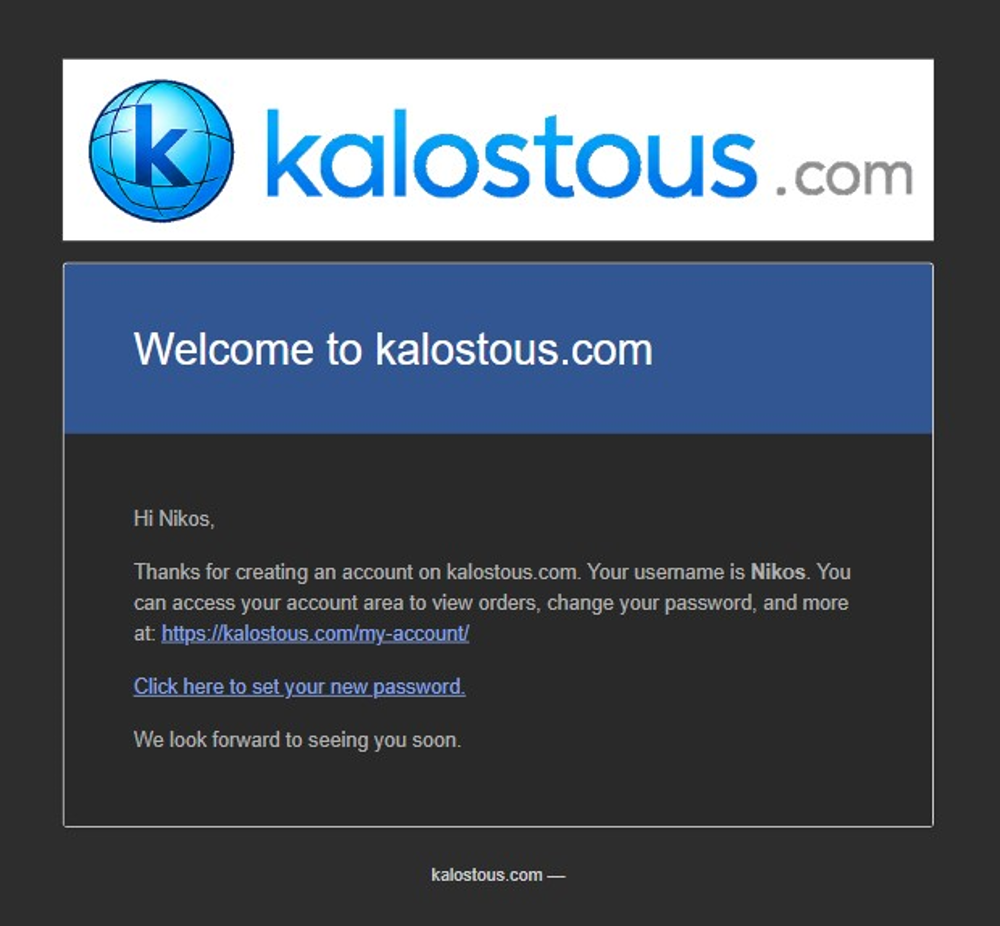
After registration, Kalostous sends you an email with a password setup link. You can continue your first session, but you will need this password to log in again later.
Kalostous welcome email
Check your inbox for the Kalostous welcome email
Click the password setup link inside the email.
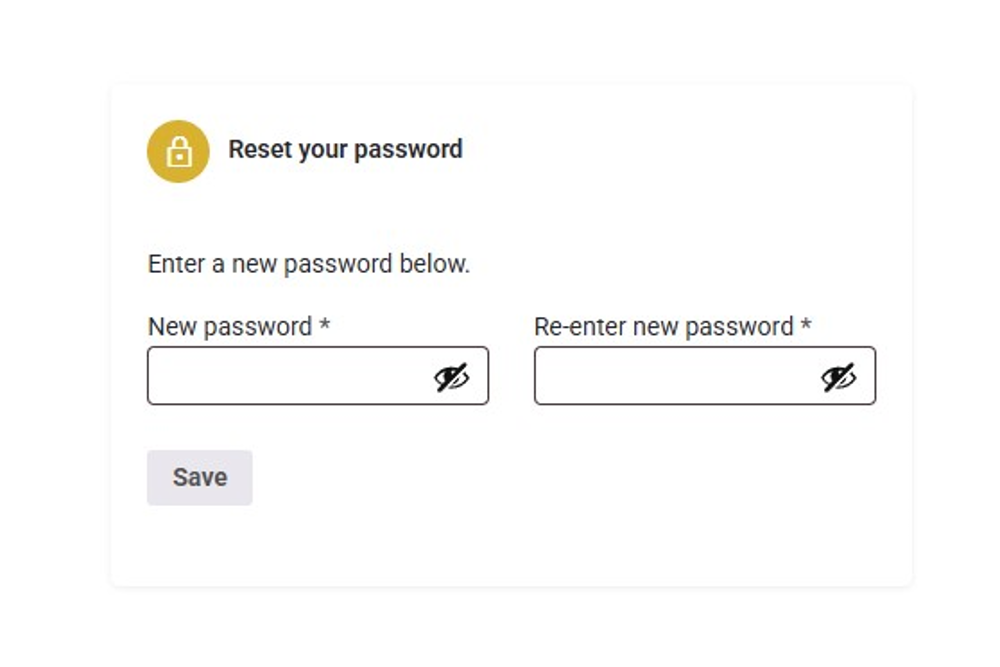
Create your password for future logins
Click the “Save” button to continue.
Choose a secure password that you can remember.
If you log out before setting a password, use the email link to log in again
Kalostous password setup email
STEP 3
Start using your account
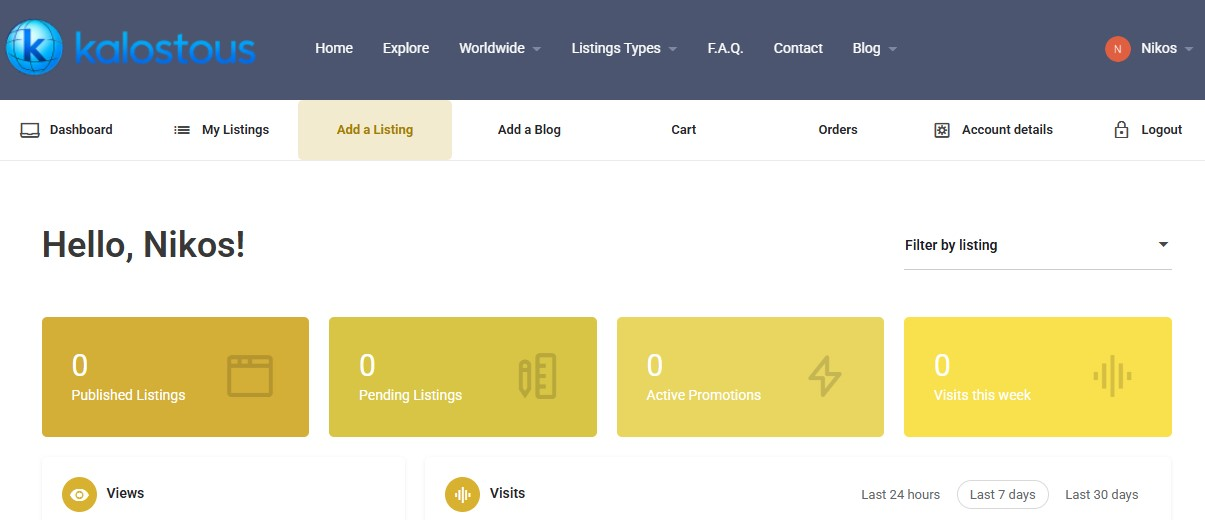
Your Kalostous account is now active and ready to use. You can manage listings, update your profile and access your dashboard anytime.
Your dashboard gives you access to your listings and account tools.
You can add a business, manage listings and update your profile.
✔ Use the “Add a Listing” button to create your first business listing.
✔ Your account is ready to connect with the global Greek community.
We use privacy-friendly statistics to understand which pages, searches and listings are useful. This helps us improve Kalostous and provide better visibility for Greek businesses and communities worldwide.
You can accept statistics cookies or continue without them.
Functional
Always active
The technical storage or access is strictly necessary for the legitimate purpose of enabling the use of a specific service explicitly requested by the subscriber or user, or for the sole purpose of carrying out the transmission of a communication over an electronic communications network.
Preferences
The technical storage or access is necessary for the legitimate purpose of storing preferences that are not requested by the subscriber or user.
Statistics
Statistics help us understand which pages, searches and listings are useful, so we can improve Kalostous and provide better visibility for Greek businesses and communities. These cookies are only used after your consent.The technical storage or access that is used exclusively for anonymous statistical purposes. Without a subpoena, voluntary compliance on the part of your Internet Service Provider, or additional records from a third party, information stored or retrieved for this purpose alone cannot usually be used to identify you.
Marketing
Marketing cookies may be used to create user profiles or track users across websites for advertising purposes. We do not use them unless you give marketing consent.